
Create a Property
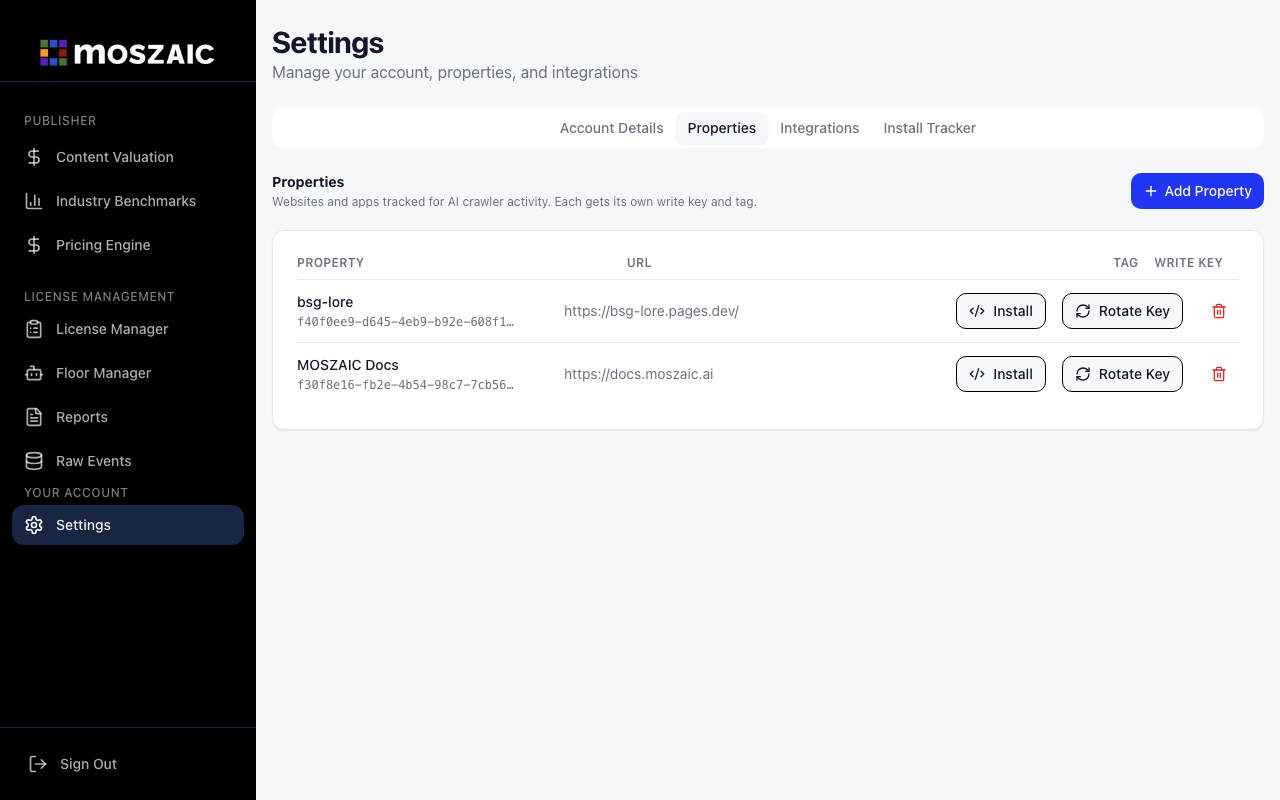
A property represents one website or domain. You need at least one before installing the tracker.
- Sign in at app.moszaic.ai
- Go to Settings in the left sidebar
- Click the Properties tab
- Click + Add Property
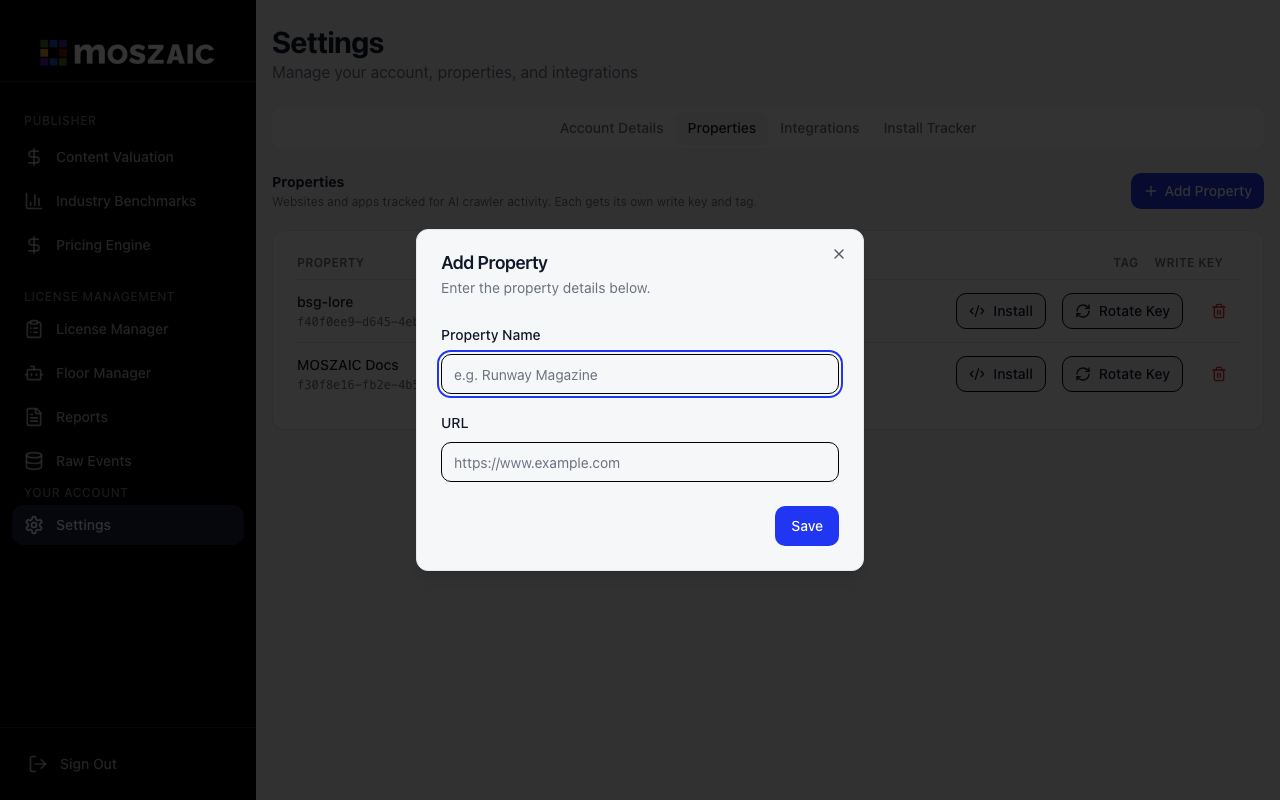
- Enter a Property Name (e.g.
Runway Magazine) and your site’s root URL (e.g.https://runwaymagazine.com) - Click Save
Your credentials
Section titled “Your credentials”After saving, your property appears in the list. Click Install next to it to see your pre-filled tracker snippet, or copy the credentials from the row:
| Credential | Format | Purpose |
|---|---|---|
| Property ID | UUID — f40f0ee9-d645-4eb9... | Identifies your site in every event |
| Write Key | wk_... prefix | Authenticates requests from your tracker |
Multiple sites
Section titled “Multiple sites”Create one property per domain. Each gets its own Property ID and Write Key. The dashboard property selector lets you view data per site or combined across all your properties.
Next: Install the tracker →